Upload your .pptx
Use the file that’s already in review. No reformatting pass, no “special export” checklist.
Upload your .pptx. We read the deck, write the voiceover, and ship an MP4 you can drop into Slack, an LMS, or a deal room—no separate script doc, no timeline babysitting.
Start free with Google
Sign in with GoogleOr join the waitlist:
Drop your .pptx here, or click to browse
Before → after
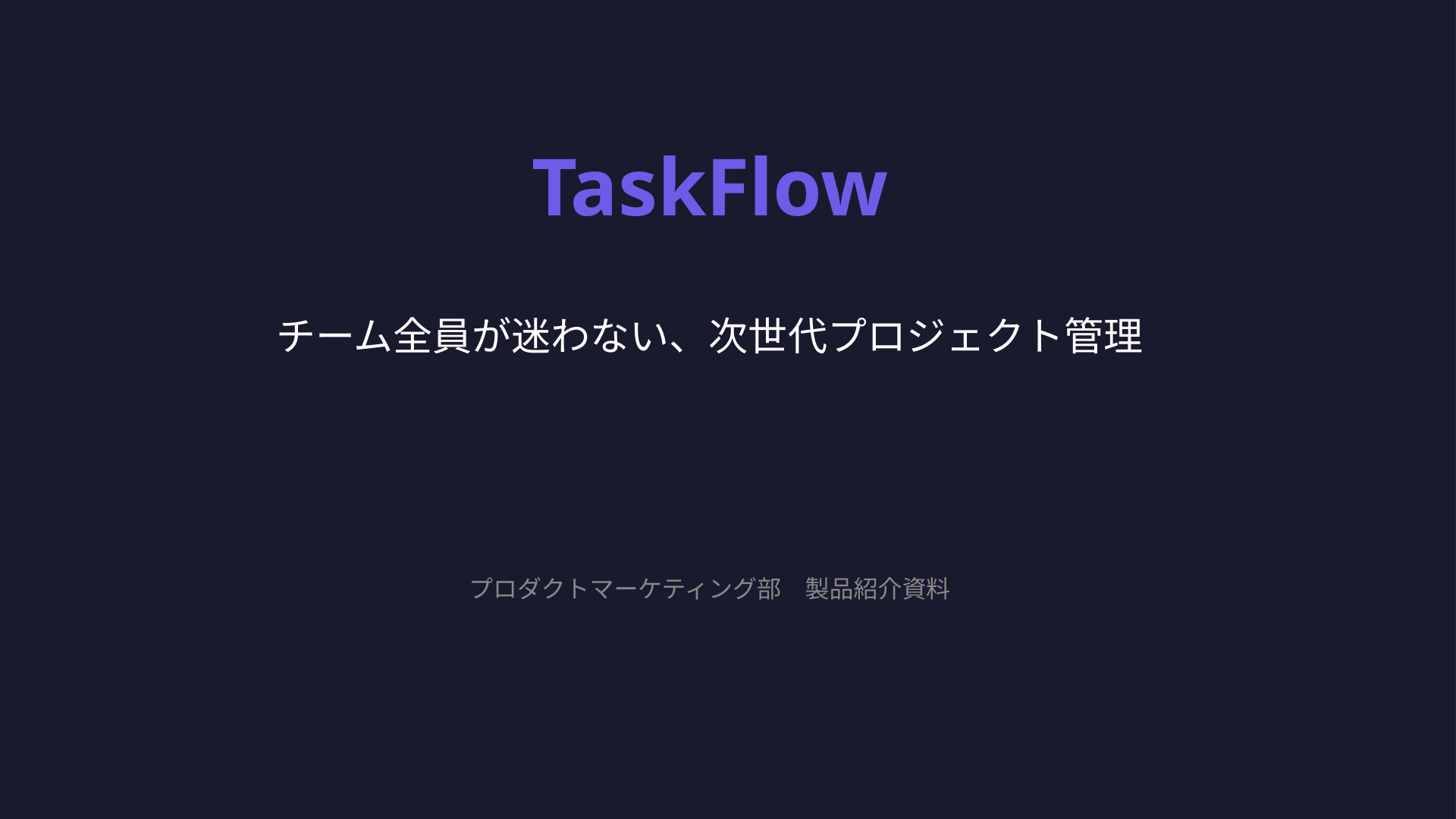
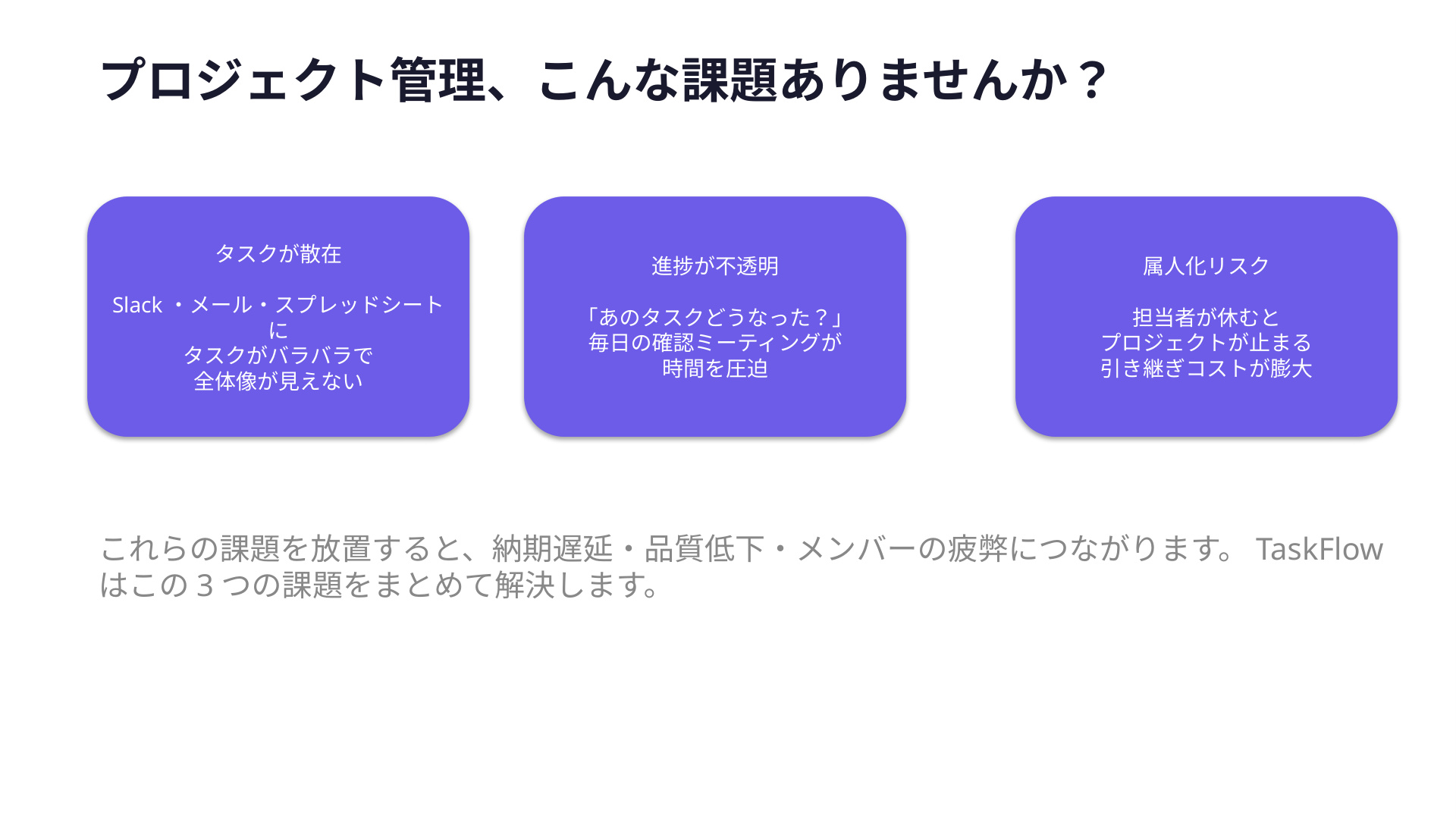
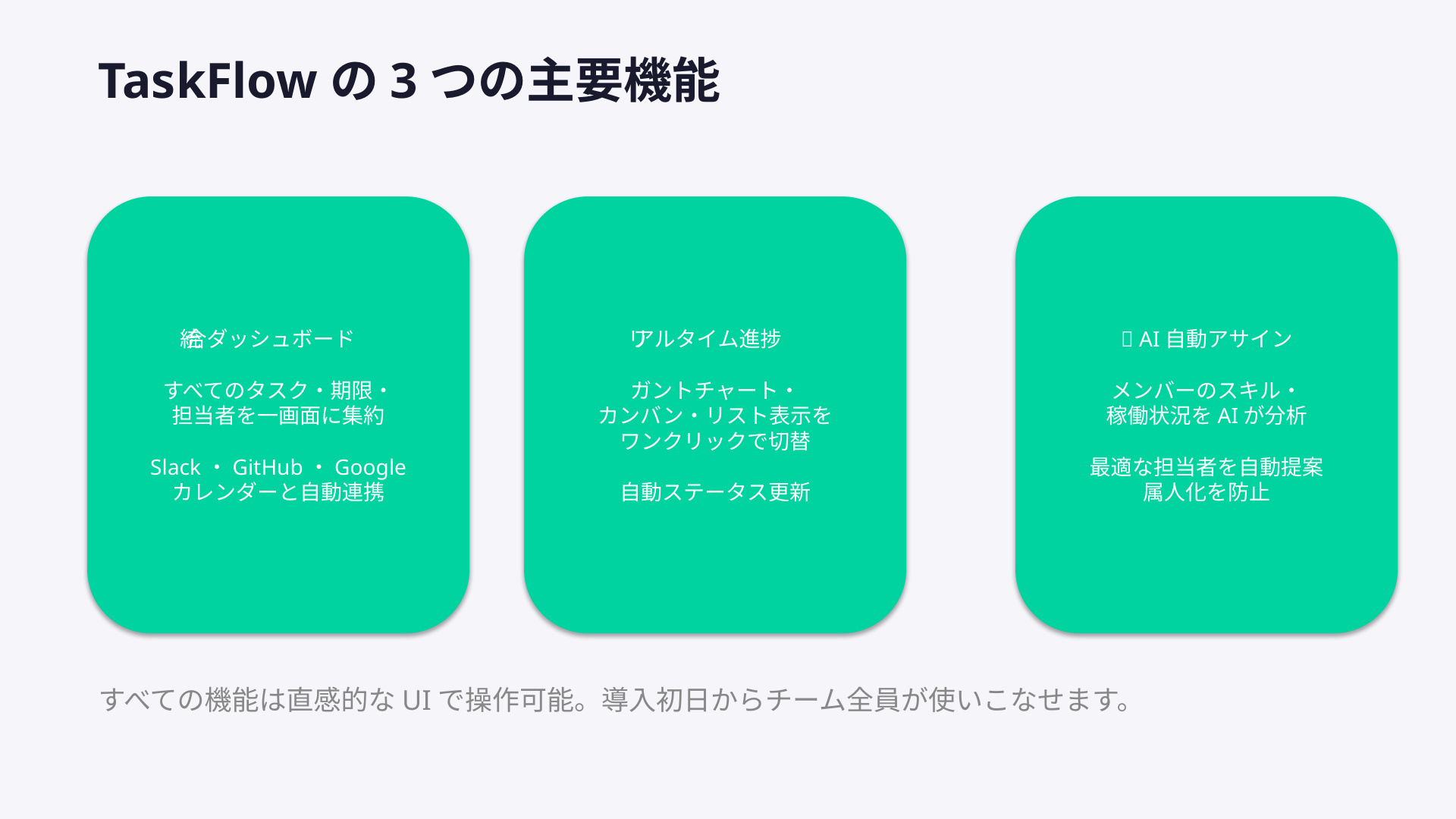
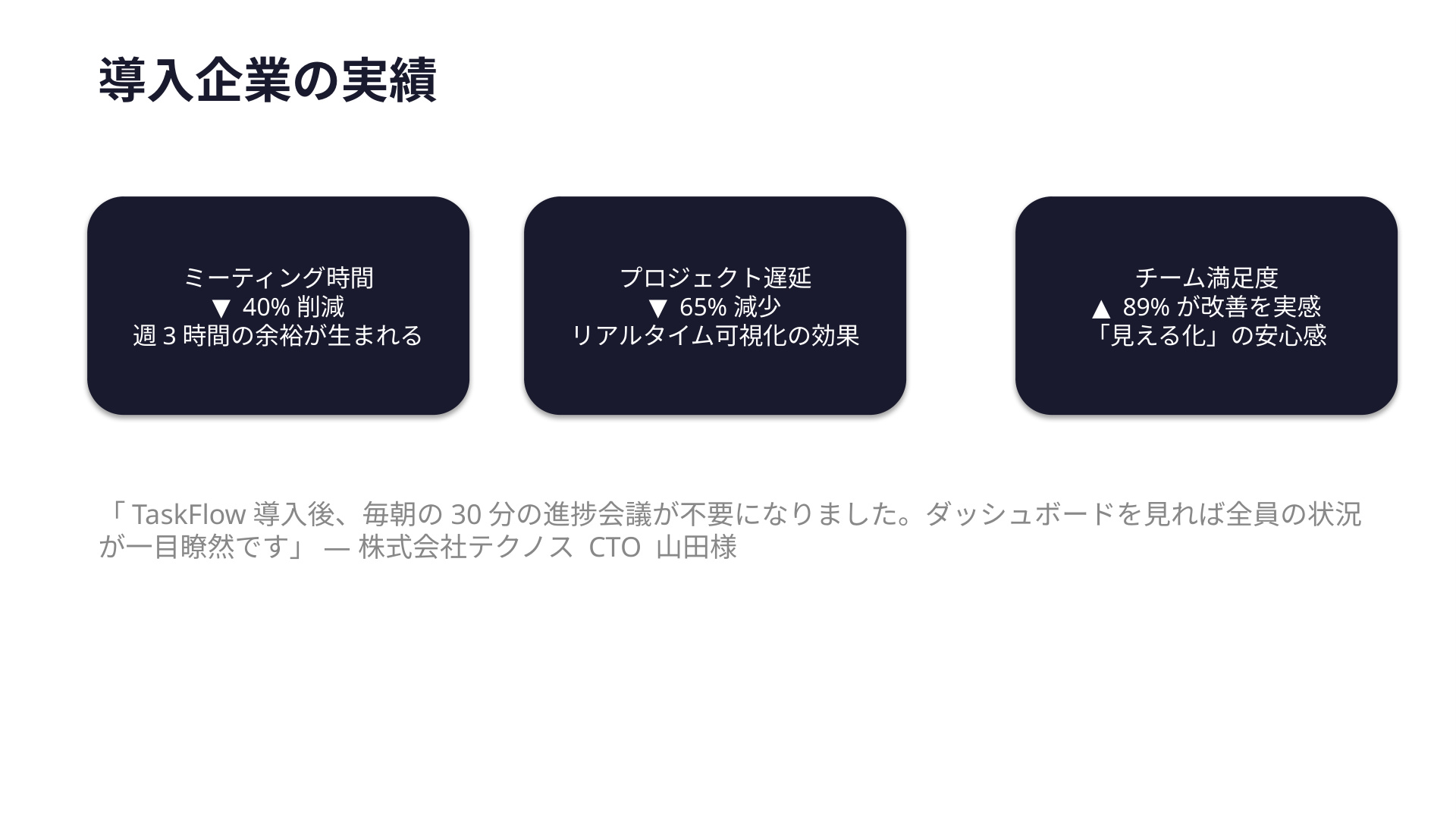
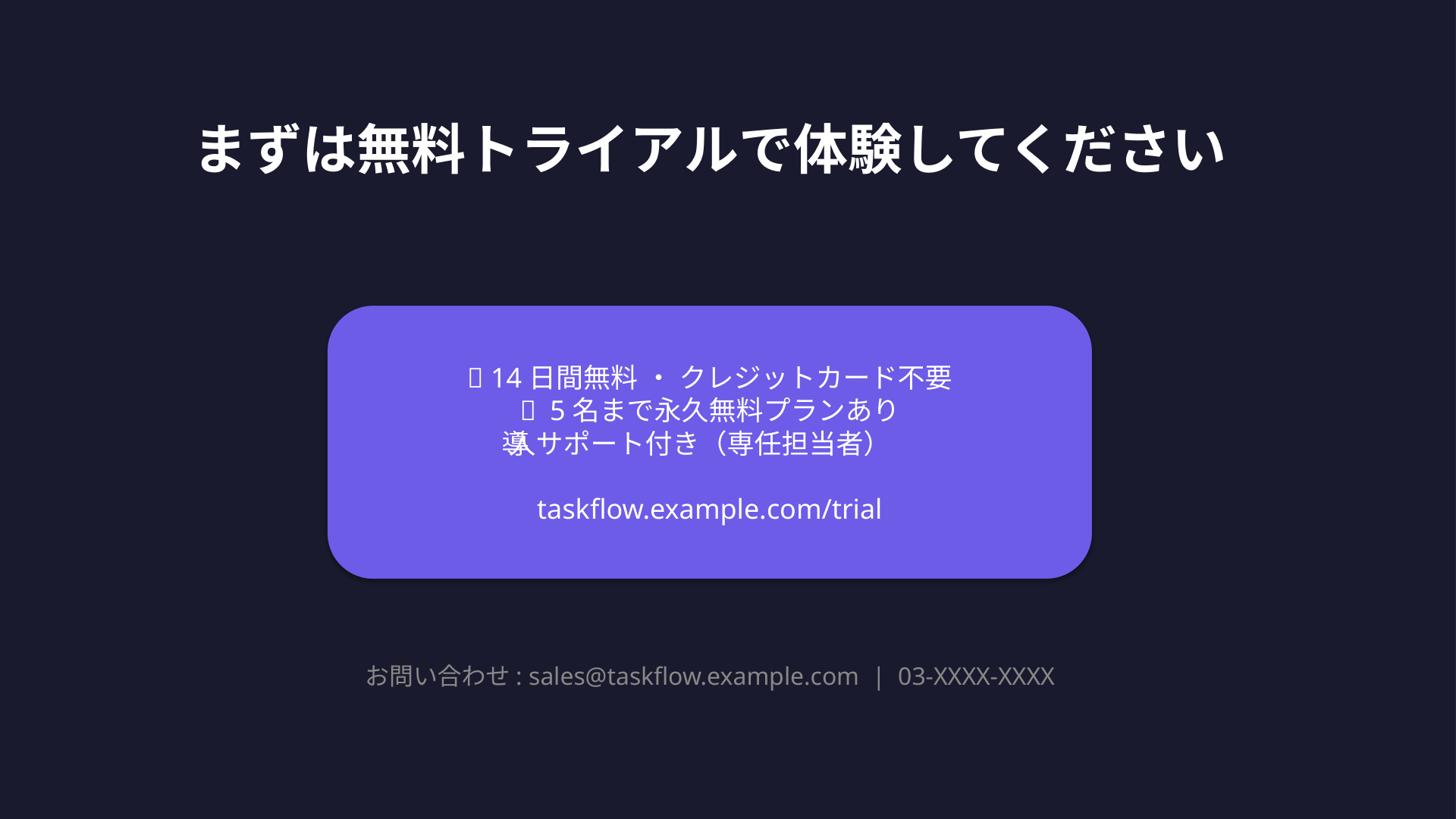
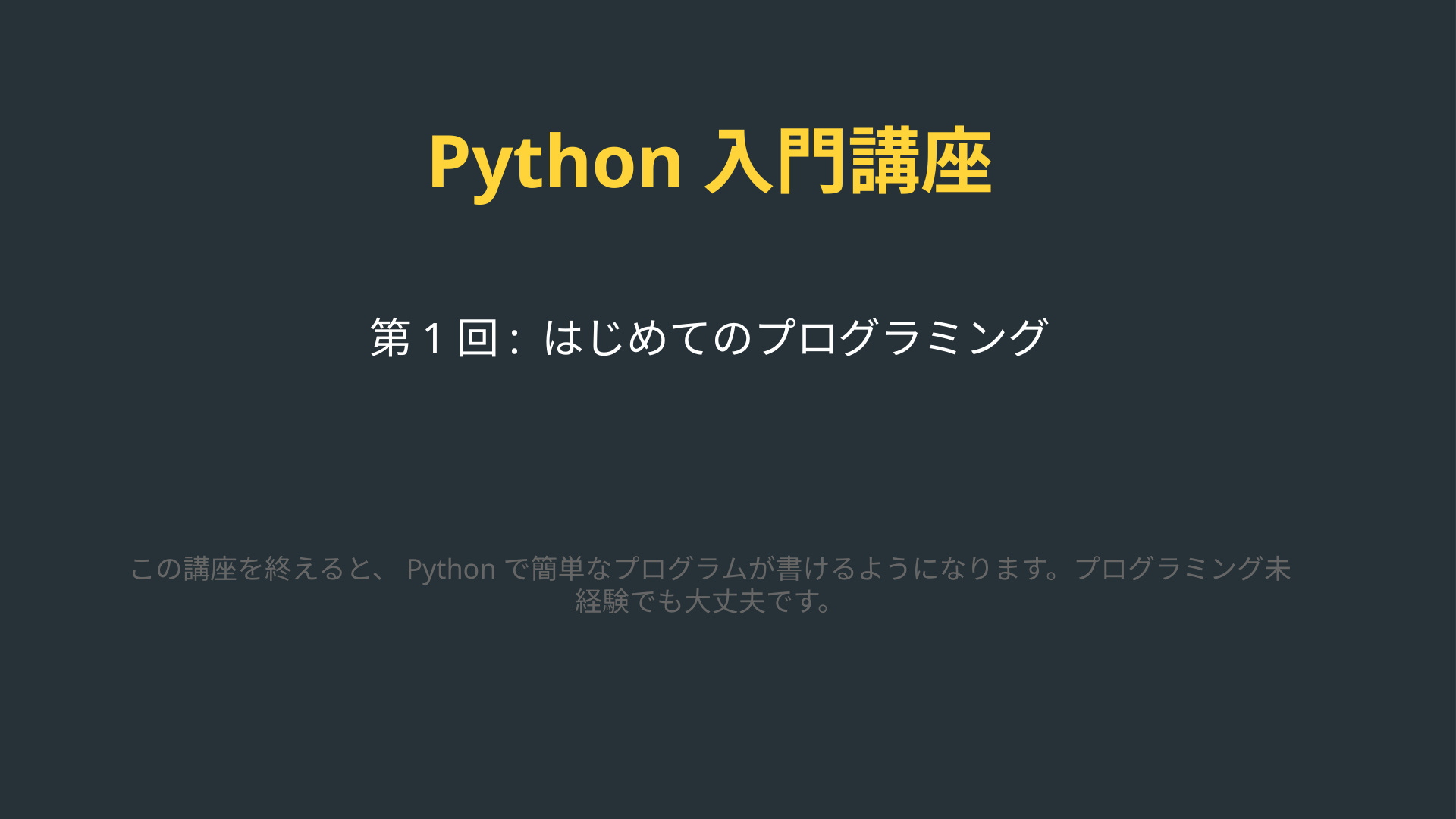
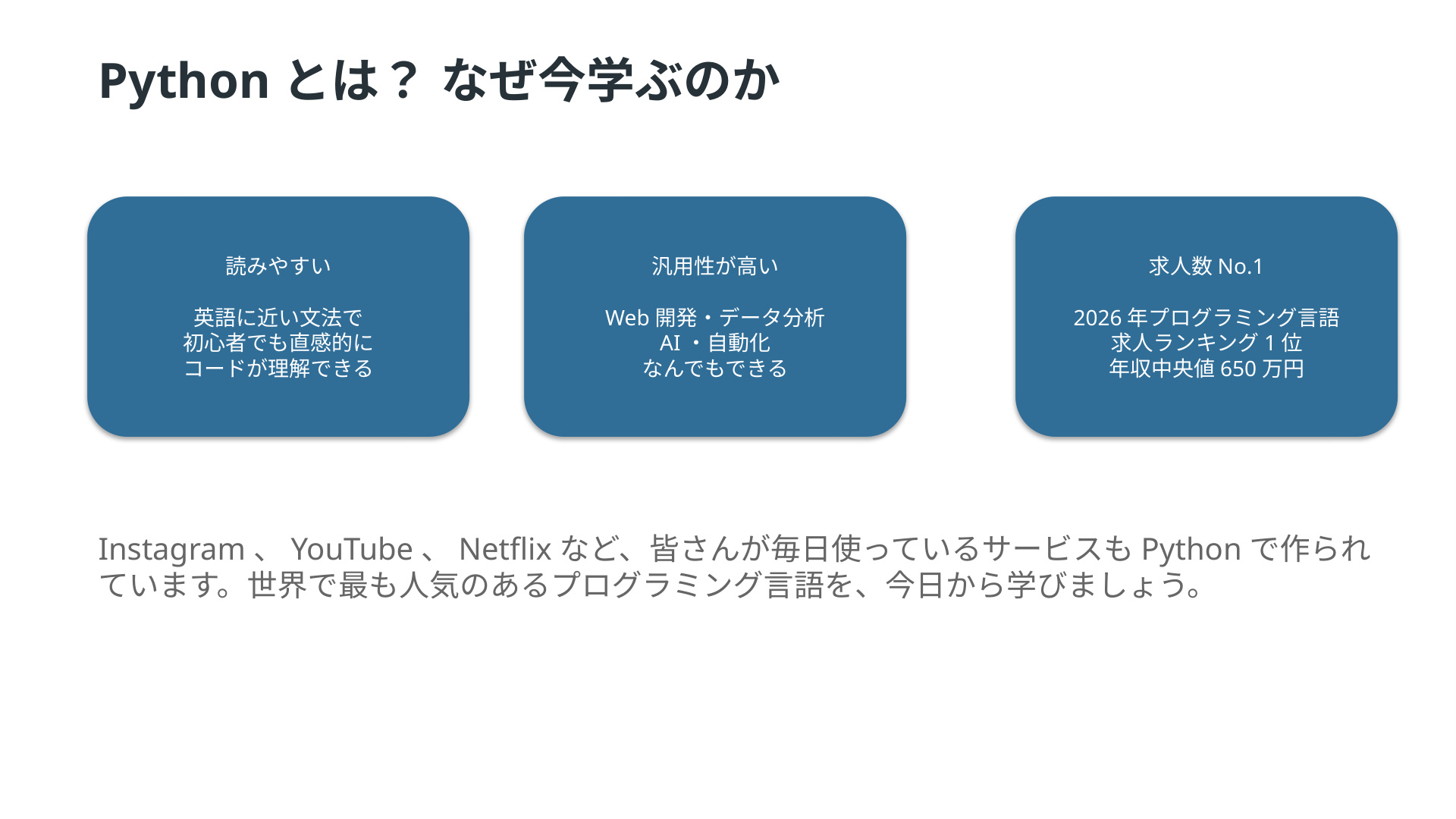
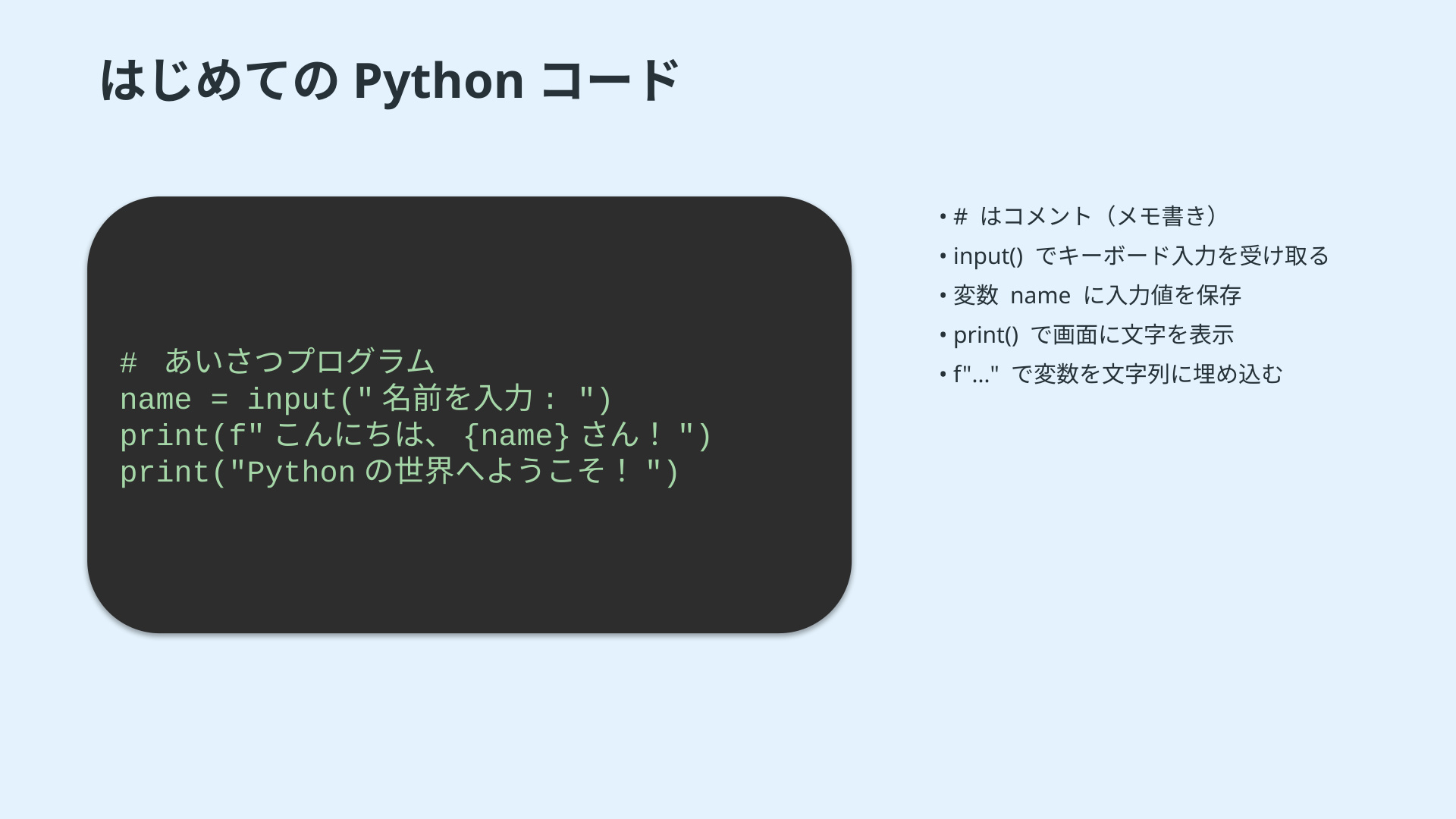
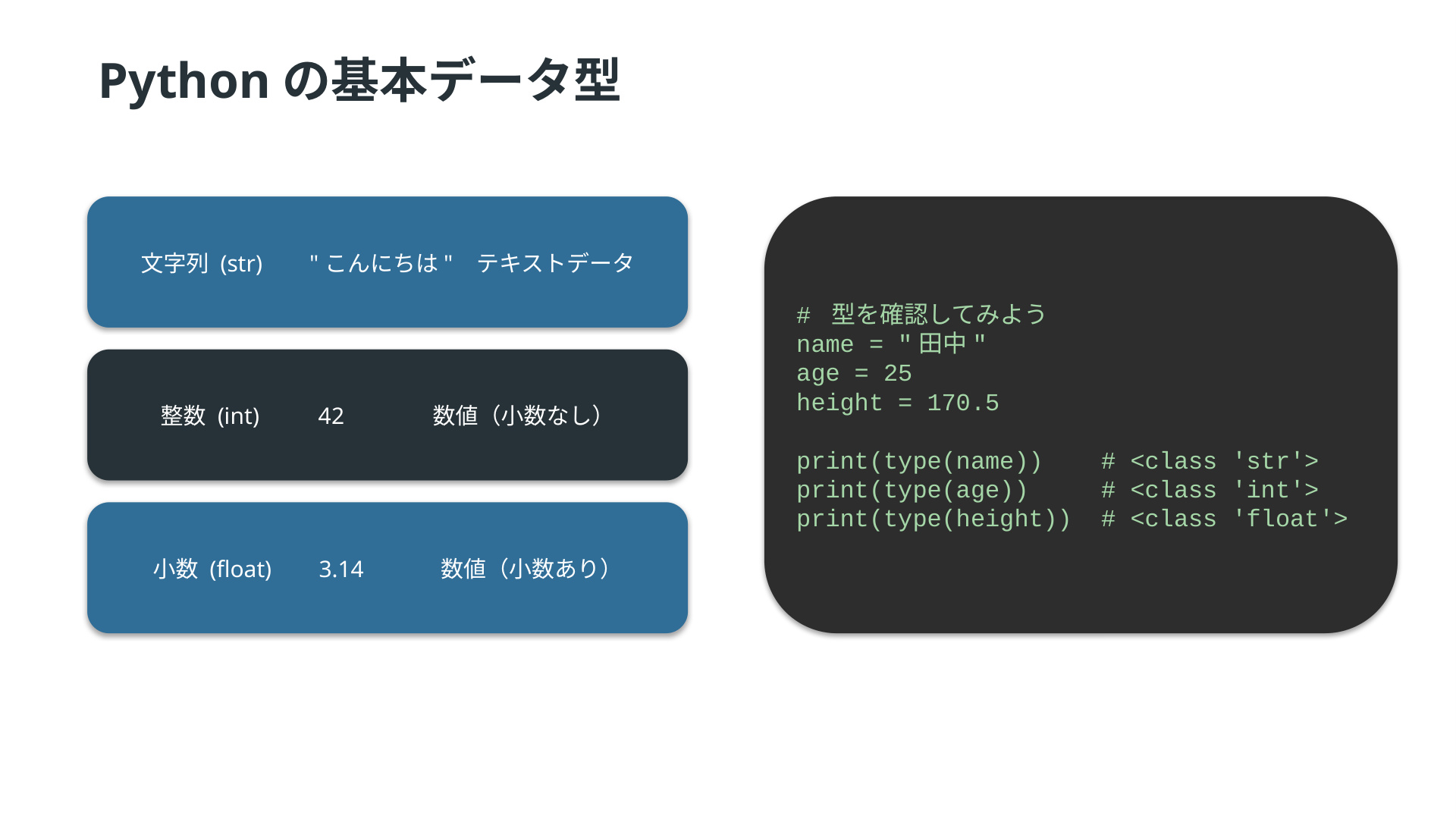
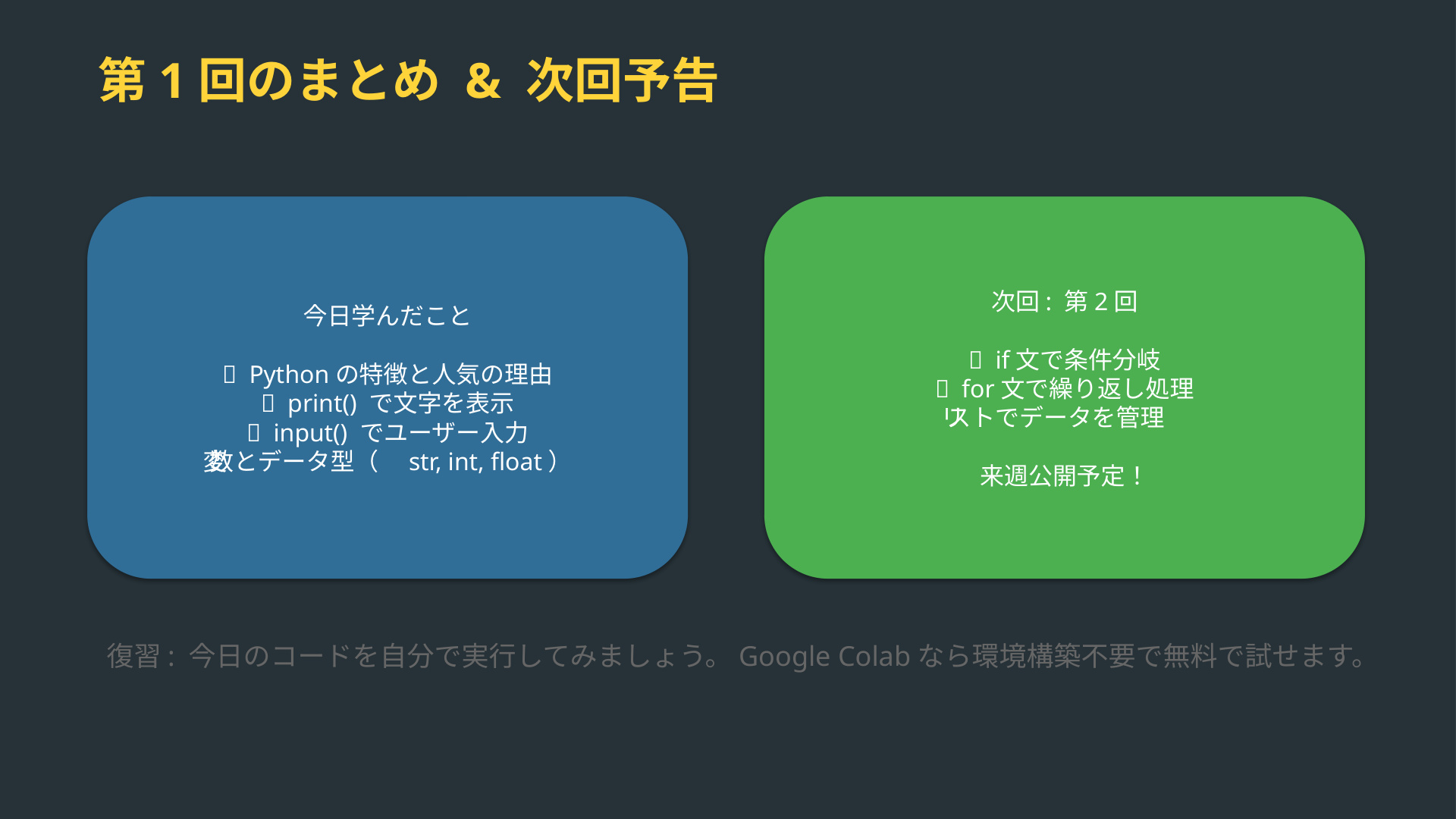
Left: every slide from the uploaded deck. Right: the narrated MP4 we generated—same story, zero manual assembly.
HR & IT · 5 slides · ~8 min narrated output
Original slides
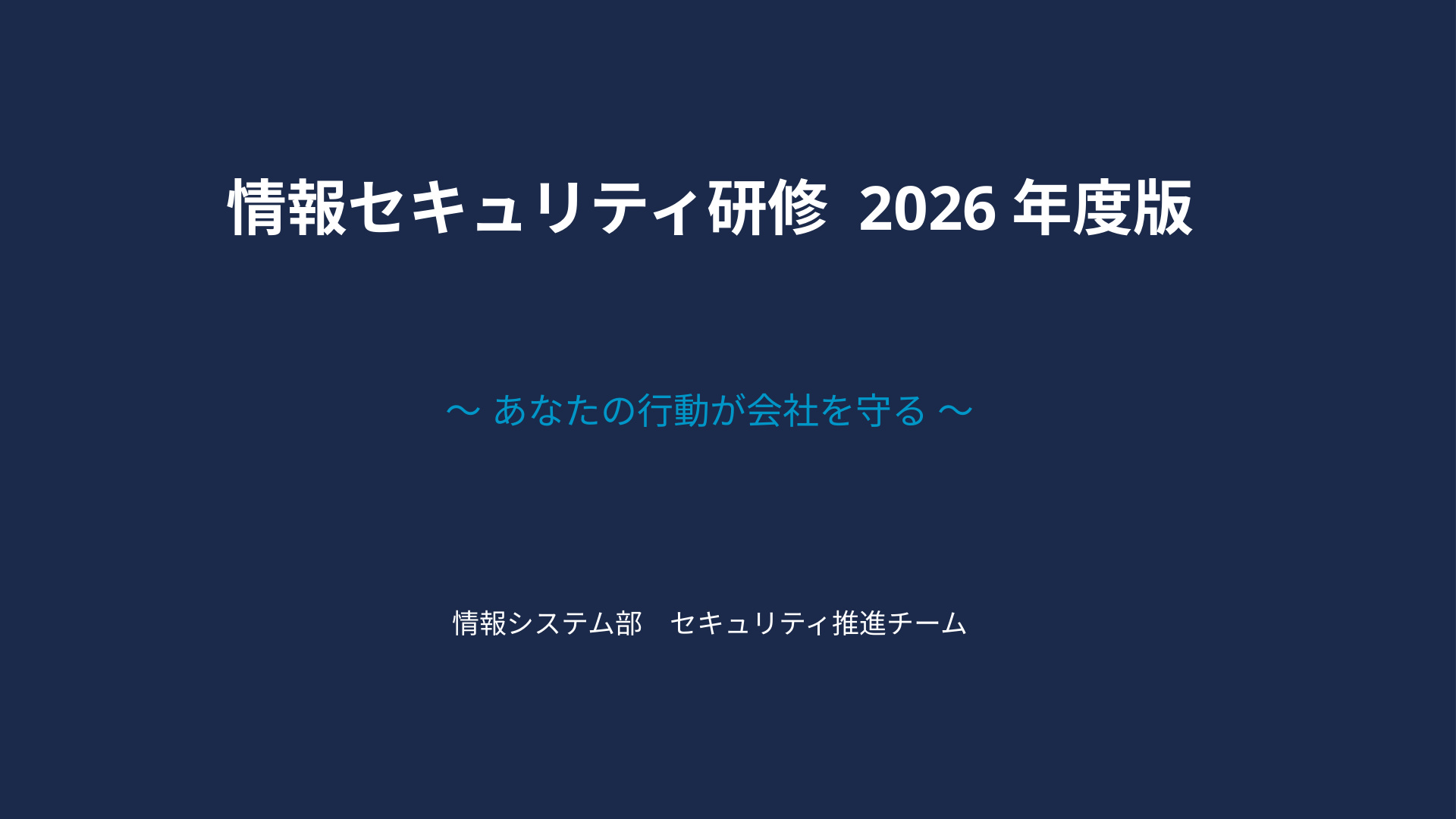
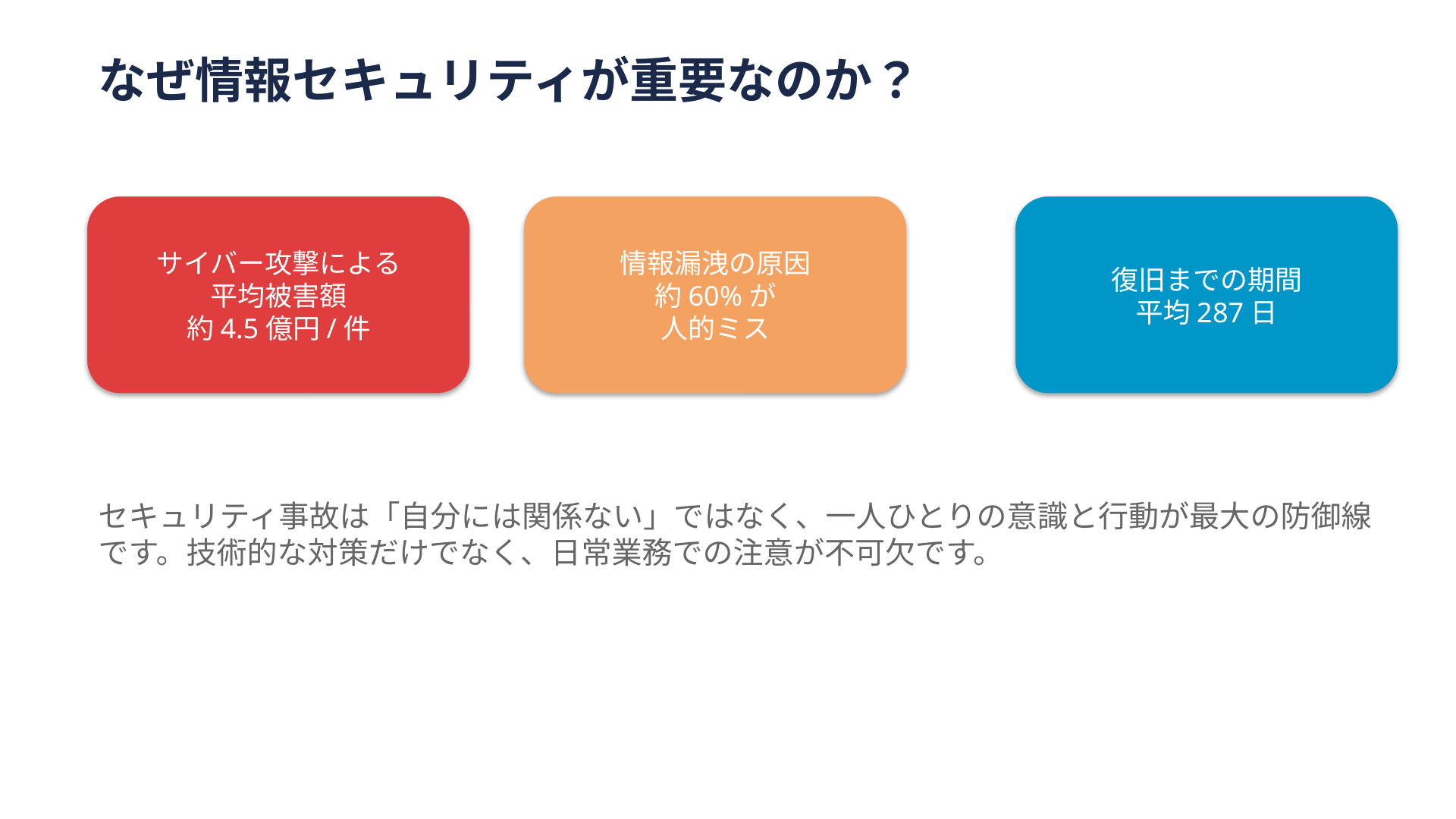
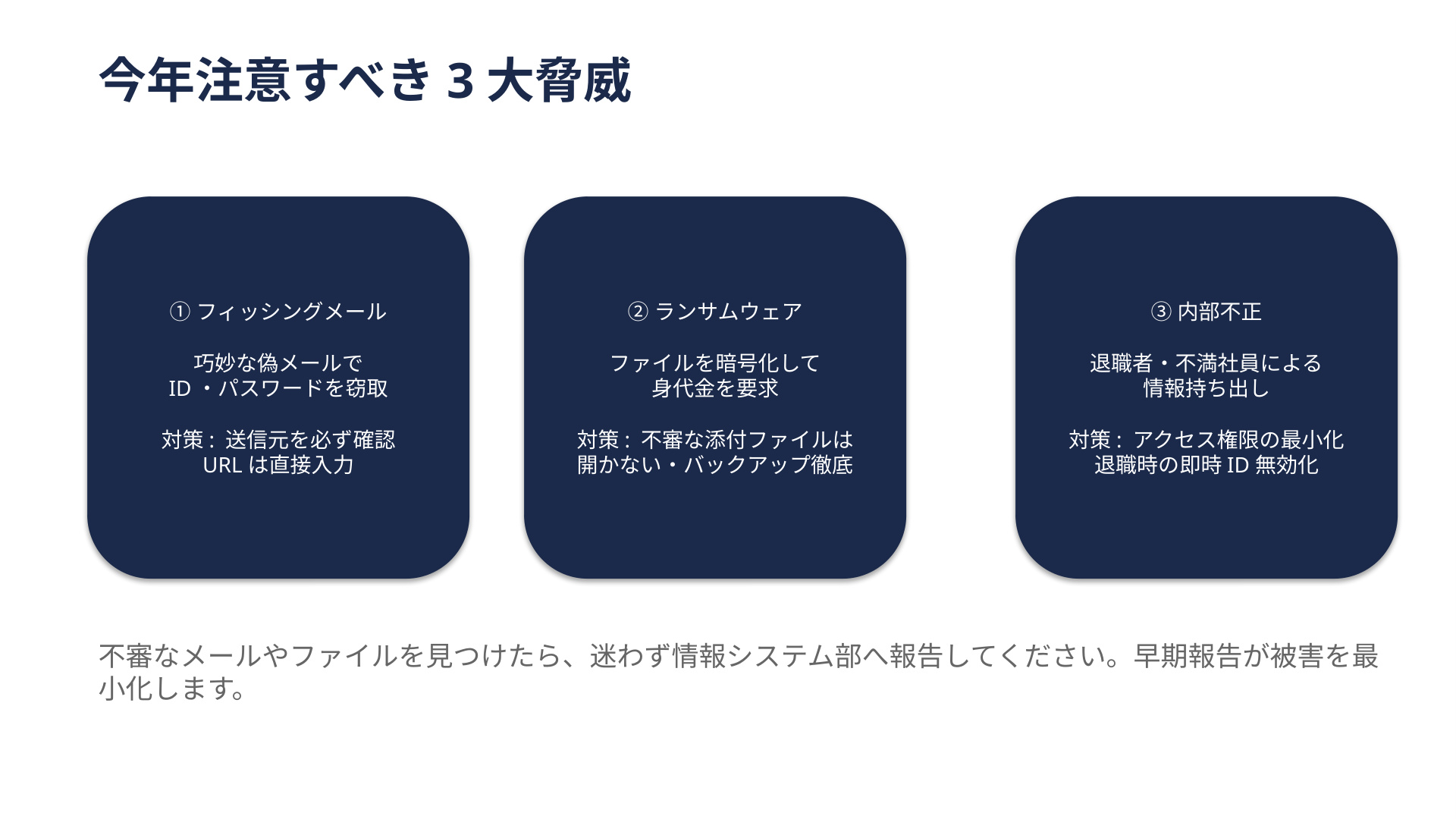
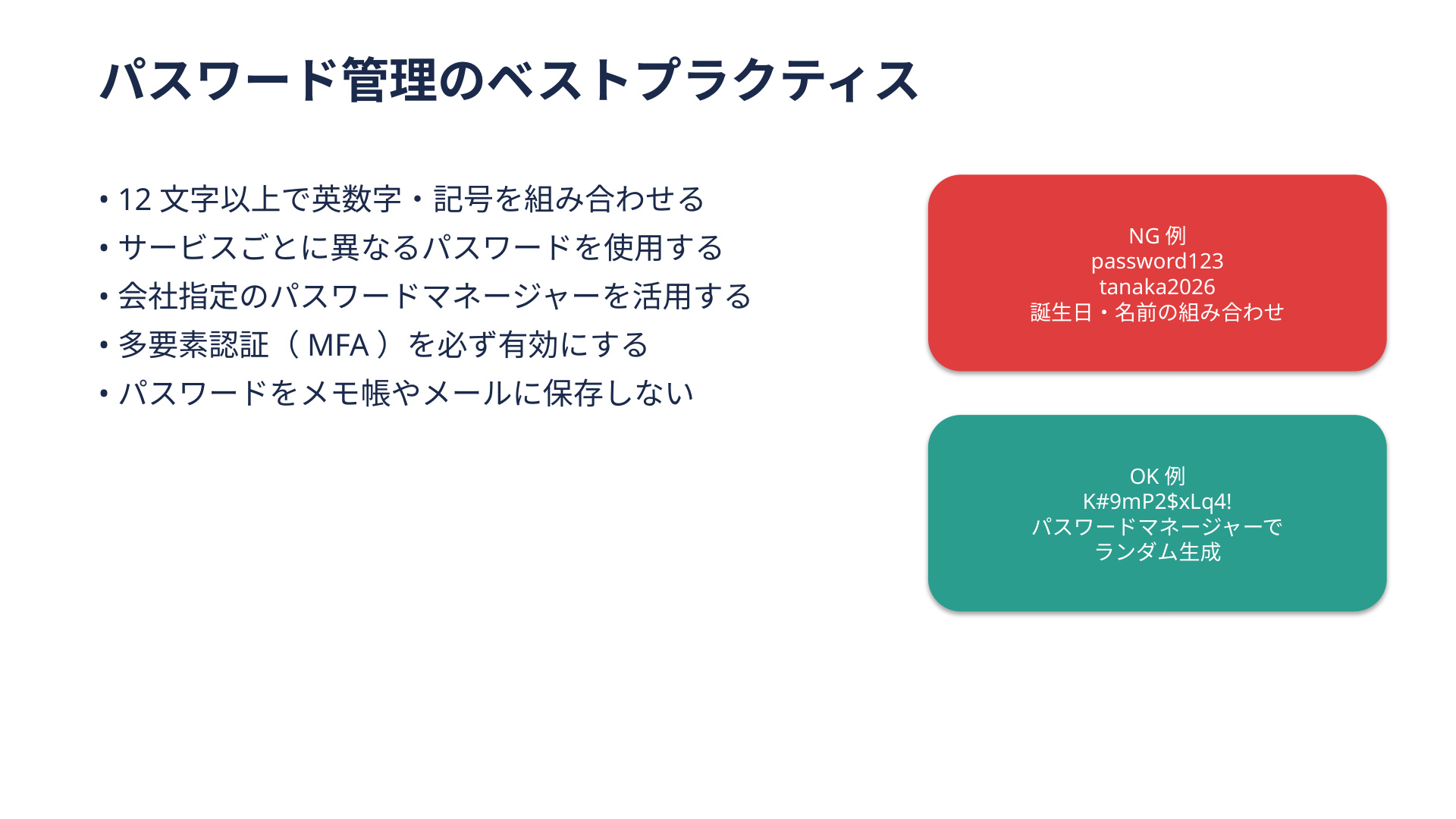
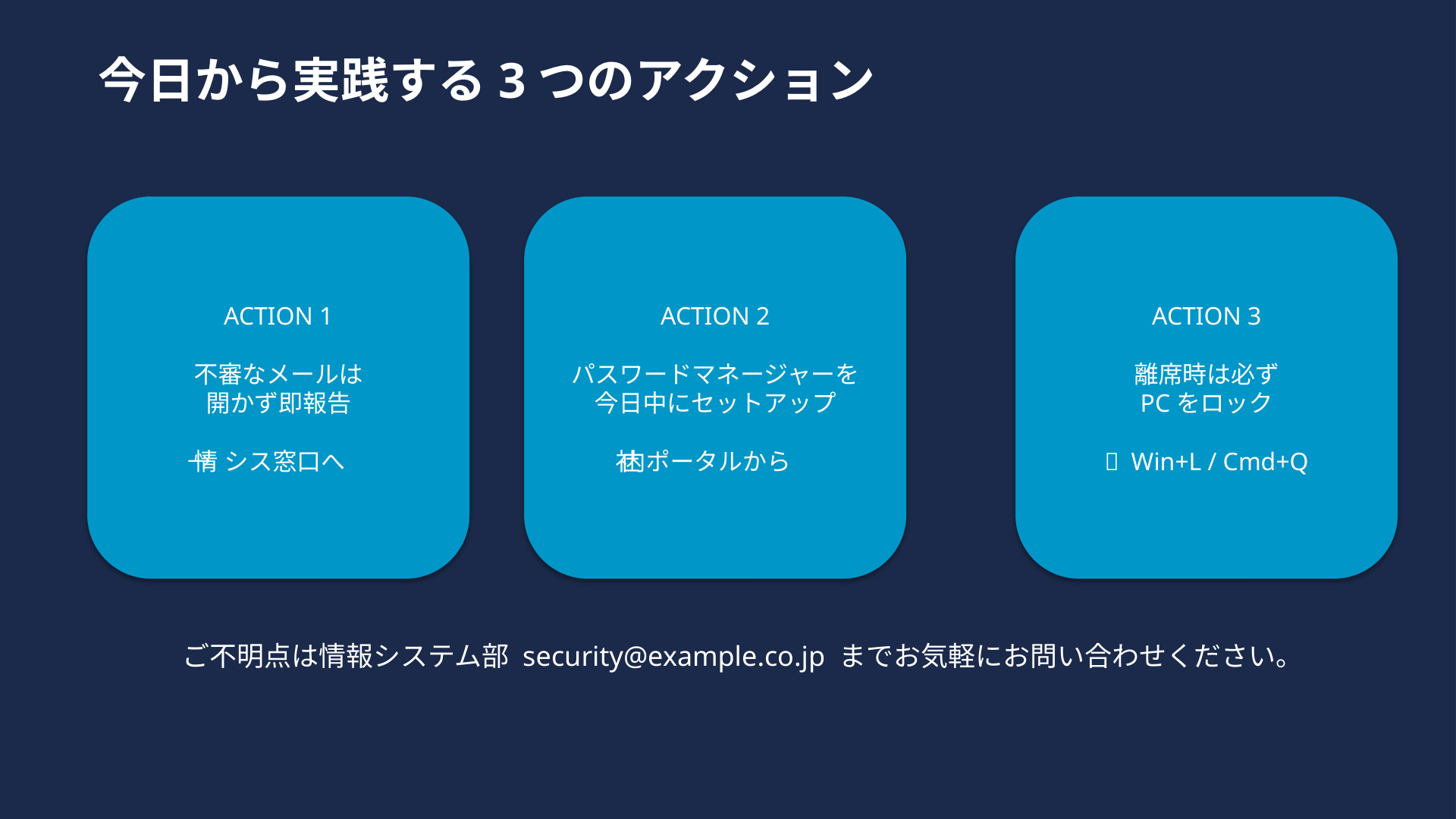
AI-generated MP4
How it works
No template swap, no export scavenger hunt. Drag in the deck you already approved—we handle the rest.
Use the file that’s already in review. No reformatting pass, no “special export” checklist.
GPT-4o reads context off the slides, picks tone and genre, and assembles a script that sounds like a human presenter—not a robot reading bullets.
Minutes later, you’ve got a file you can post to an LMS, attach to a follow-up, or drop in a customer thread—no handoff queue.
You don’t need a standalone narration script. We build the voiceover from what’s already on the slide plus your speaker notes—so you’re not drafting a second document from scratch. Less busywork, faster cycles.
Why pptx2video
Same stack every time: faithful slide render, smart narration, neural voice—predictable output, not a science project.
Slides look like PowerPoint—not a cheap PDF rip. Layout fidelity you can defend in front of leadership.
Infers genre and tone from the deck, then writes copy that matches—so you’re not hand-editing every line.
Presenter-grade TTS—clear, listenable, and miles past “robot voice” stereotypes.
Skip the five-figure quote and the two-week queue. Get something you can ship today for lunch money and minutes.
Use cases
Turn static walkthroughs into something people actually watch—async, on their schedule.
Policy, security, and tool walkthroughs—one consistent video for every new hire, every region.
Narrated tour of the pitch deck—prime prospects before the call, or nurture leads while you sleep.
Lecture slides → instructor-style video in one pass—without booking a studio.
Turn the deck into async context before diligence—fewer “can you walk us through slide 14?” loops.
QBRs and strategy decks as video briefings—stakeholders catch up on their own time.
Property overview decks with voiceover—buyers show up pre-educated, tours stay focused.
Pricing
Try the workflow on real decks—then step up with packs or a monthly plan when your team’s hooked.
¥0
10 conversions · 30 minutes total
¥800
30 credits · one-time pack
¥9,800 / mo
100 videos / mo · API · 99.9% SLA
Prices shown in JPY for illustration; confirm final terms at purchase or in your order form.
FAQ
Short answers so you’re not guessing on rollout day.